
ESL games that need no student devices
Every Lingadoo game runs from a single teacher-controlled screen, so students never need phones, tablets or accounts of their own to take part. There is no subset to choose from and no device-based mode to avoid: the whole library is designed to be shown on a projector, interactive whiteboard or classroom display, with the teacher driving the game and confirming answers while students play in teams. Levels run from CEFR A1 to C1, and the games that use pictures rather than levelled text work at any level.
What the room needs
One screen the class can see, and a browser. That can be a projector and screen, an interactive whiteboard, a large classroom display, or a laptop on a stand for a small group. The teacher drives the game, so an ordinary projector works the same way an interactive board does.
Students need nothing. There are no student logins, no join codes to type, and no app to install. Teams answer out loud and the teacher marks answers on screen.
If some students do have devices
Devices are not required anywhere, but they are not shut out either. Where a game offers a live link — Story Sparks gives students a read-only view of the same three images — it is an extra screen for a remote or absent student, never a way in that the game depends on. In the room itself nothing changes: every game is still run from the teacher's screen.
The games
-
Squares
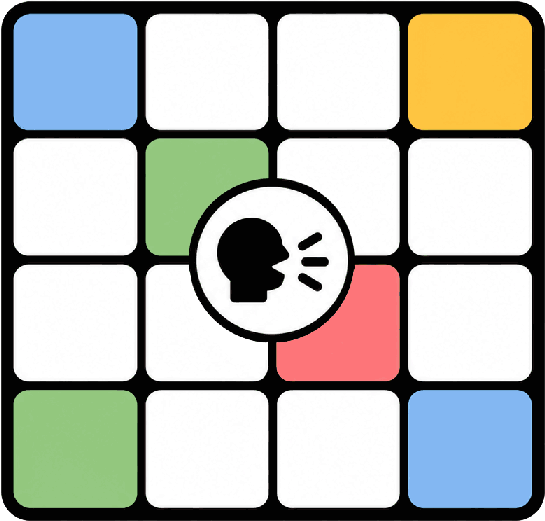
Teams pick a square, answer a grammar question, and rival teams bet on whether they will get it right.
-
Bandit
Teams collect items by answering correctly, and can spend a bandit move to steal one from a rival.
-
Lingo Bingo
Students claim tiles by pronouncing a word correctly, judged by the teacher, and race for three in a row.
-
Word Duel
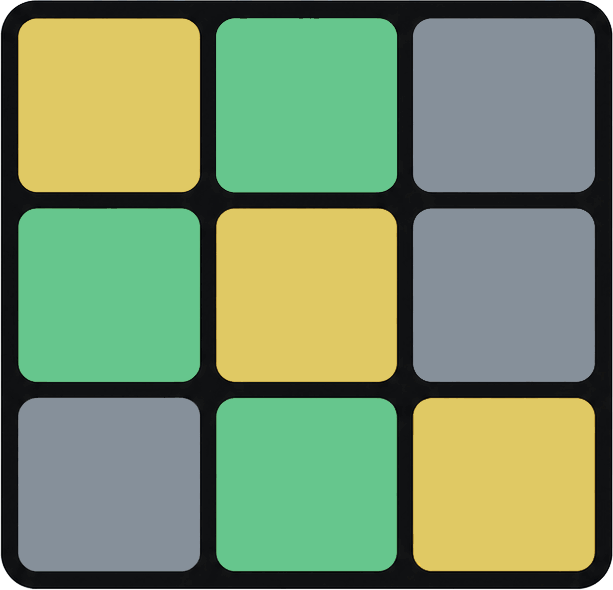
Two teams race to guess their own five-letter word, with letter feedback after every attempt.
-
Word Ball
Two teams pass, dribble and shoot by answering vocabulary questions in a football match.
-
Generator
Teams build original sentences from story symbols and a grammar target, then the class judges them.
-
Vibe Rocket
Teams pick the word that vibes most with a key word, and stronger connections fly higher.
-
Story Sparks
Roll three images — a thing, a place and an action — and students build a sentence, a scene or a story.
-
Animal Challenge
Teams argue which animal should win each match-up and vote it through a tournament bracket.






That is the full library — there is no separate set of device-based games. Screenshots and setup notes for each one are on the games page.